How to Upload a Podcast to YouTube with RSS: What Actually Matters
A practical guide to uploading an audio-first podcast to YouTube with RSS, what YouTube actually does with your feed, and how to avoid the metadata and discovery mistakes that make the setup underperform.
If you want to upload a podcast to YouTube with RSS, the good news is that YouTube now supports it. The bad news is that a lot of creators misunderstand what that actually does.
An RSS feed does not magically turn YouTube into your podcast host. It does not clean up your metadata for you. It does not fix weak episode packaging. And it definitely does not replace the work of making your show easy to discover.
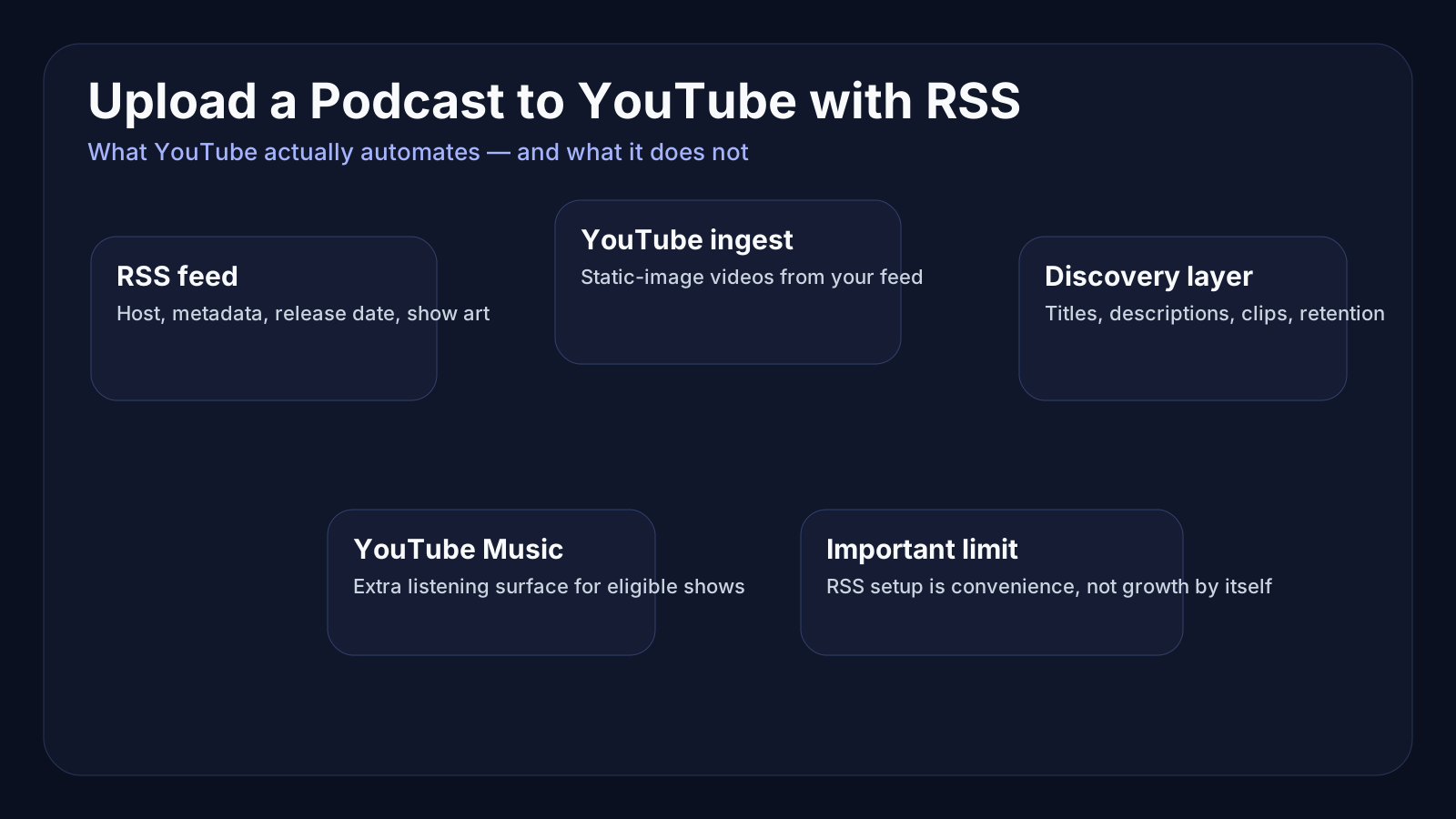
What it does do is useful: YouTube can ingest your audio-first podcast feed, create static-image videos from your show art, and publish new episodes to YouTube and YouTube Music as they hit your feed. For many podcasters, that is the easiest way to get onto YouTube without rebuilding their entire production workflow.
But convenience is not the same thing as strategy.
If your goal is discovery, you need to understand where RSS ingestion helps, where it falls short, and how to keep the rest of your workflow clean. That matters even more now that YouTube treats podcasts as a distinct format with playlist-based podcast pages, YouTube Music inclusion, and podcast-specific discovery surfaces.
If you have not already thought through search packaging, read Loonacast’s guides on video podcast SEO, podcast episode titles, and podcast thumbnails. RSS setup works best when those fundamentals are already in place.
What YouTube RSS podcast delivery actually does
According to YouTube’s own help documentation, when you submit your RSS feed, YouTube creates videos for the podcast episodes you choose to upload, uses your show art to generate a static-image video, and then automatically uploads new episodes when they appear in the feed.
That is the core promise: less manual uploading, more consistent distribution.
But YouTube also makes a few important limitations clear:
- it only distributes the show on YouTube and YouTube Music
- it does not automatically update show details when you change them in your RSS feed
- it does not automatically replace audio if you re-upload a fixed file to the feed
- back-catalog uploads do not notify eligible subscribers the same way newly added episodes can
That last point matters more than people think. A lot of podcasters imagine they can dump years of old episodes onto YouTube through RSS and immediately get a wave of listener attention. In reality, RSS ingestion is best thought of as a distribution bridge, not a growth shortcut.
Who RSS-to-YouTube is best for
This setup is usually strongest for three groups:
1. Audio-first podcasters who want YouTube presence without full video production
If your show is still primarily audio, RSS delivery is the fastest way to get each episode represented on YouTube. You do not need to manually export a static video for every release.
2. Teams that already have a stable hosting workflow
If your feed is already clean, your release process is predictable, and your metadata is reasonably disciplined, RSS delivery reduces repetitive work instead of creating chaos.
3. Creators who want YouTube Music availability
YouTube notes that eligible podcast content can surface in YouTube Music, support background listening, and gain access to podcast-specific features. That can matter if you want broader listening surfaces without changing hosts.
Who should not rely on RSS alone
RSS ingestion is helpful, but it is not the best answer for every show.
You should be careful about relying on it as your only YouTube plan if:
- your show already performs well with full video episodes
- you want dynamic thumbnails and highly edited watch-page experiences
- your episode packaging changes often after publish
- your show depends heavily on visual moments, demos, or on-camera chemistry
In those cases, manual video uploads may still create a better experience.
A static-image version of an episode can absolutely expand reach, but it will not compete the same way a strong video-native upload can. If you are evaluating that tradeoff, see video podcast vs audio-only podcast.
How to upload a podcast to YouTube with RSS
The practical setup is more straightforward than many creators expect.
Step 1: Make sure your show is eligible and your feed is clean
YouTube’s podcast system expects a real podcast feed, and RSS ingestion is only available in select regions. Before you do anything else, check that:
- your RSS feed is active and publicly reachable
- the ownership email on the feed is correct
- your show art is clean and recognizable
- your episode titles and descriptions are not messy or generic
- your release dates in the feed are accurate
That last detail matters because YouTube sorts RSS-uploaded podcast episodes on the playlist page by the release date in the RSS feed when available.
Step 2: Create or connect a podcast in YouTube Studio
YouTube treats a podcast as a playlist. You can either create a new podcast in Studio or connect RSS settings to an existing podcast on your channel.
YouTube’s own best practices are surprisingly clear here:
- each podcast show should have one public podcast in Studio
- it should contain full-length episodes only
- episodes should be arranged in the order they are meant to be consumed
- you should not mix clips, other shows, or unrelated uploads into that podcast
That means your clips belong elsewhere. If you are cutting social or discovery assets, keep them separate from the main podcast playlist. Loonacast’s guide on podcast clips for YouTube Shorts covers that side of the workflow.
Step 3: Verify ownership of the feed
YouTube verifies RSS ownership through the email listed on the feed. If that address is outdated or buried in an old hosting setup, fix it before you start. Otherwise, the setup stalls for a dumb reason.
Step 4: Choose which episodes to ingest
When you first submit your RSS feed, the episodes you select are uploaded as private videos. YouTube recommends waiting until all selected episodes finish uploading before switching the podcast public.
That is good advice.
This is your chance to review:
- copyright issues
- monetization flags
- title formatting
- cover art quality
- whether your back catalog should all come across at once
If you already have some episodes on YouTube, YouTube recommends starting the feed import after the most recent episode already on the channel to avoid duplicates.
Step 5: Set the right default visibility
Once the podcast is connected, you can choose whether new RSS-ingested uploads default to Private, Unlisted, or Public.
For many teams, Private is safer at first if you want a final quality check. For simpler workflows, Public can be fine once the system is stable.
The metadata mistakes that make RSS delivery look worse than it is
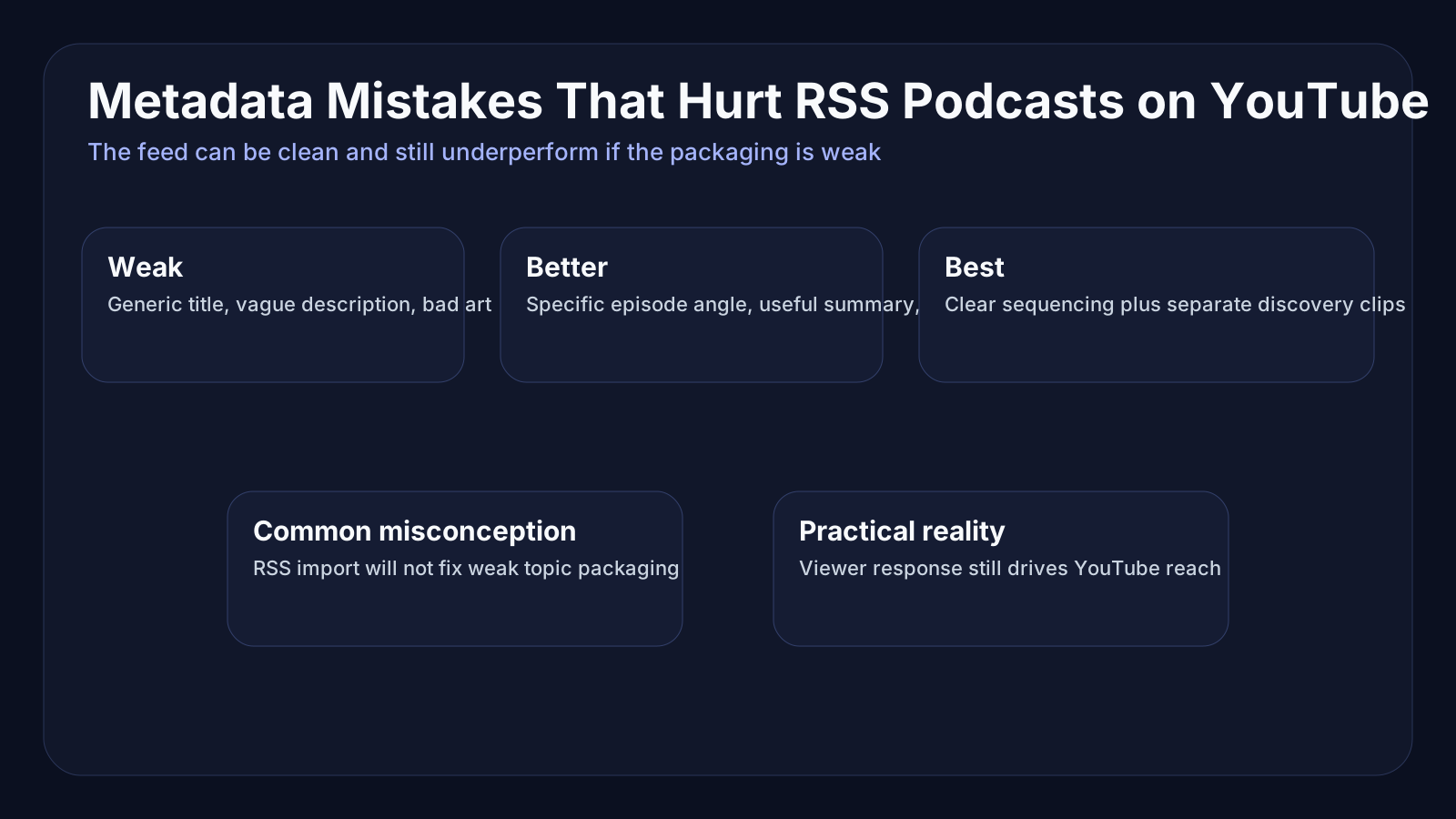
A lot of creators blame RSS delivery when the real problem is weak packaging.
YouTube’s podcast discovery guidance says to use the same name as your podcast show for the podcast title and to avoid piling on extra words. It also explicitly recommends adding a detailed description to help new listeners discover the show through search.
That means a lazy setup like this:
- podcast title: “My Show Podcast Official Full Episodes”
- episode title: “Episode 43”
- description: “This week we talk about marketing”
…is going to underperform no matter how clean the ingestion pipeline is.
Instead:
- use a clean show title
- give each episode a specific, curiosity-worthy title
- make descriptions useful to strangers, not just existing fans
- keep release dates accurate
- maintain clear sequencing if the show is serial
If you need help tightening copy, Loonacast already covered podcast description examples, podcast show notes SEO, and podcast chapters.
Discovery on YouTube still depends on viewer response
This is where a lot of podcasters carry over the wrong mental model from traditional podcast distribution.
On podcast apps, being present is already most of the battle. On YouTube, presence is only the starting line.
YouTube’s search and discovery documentation says the system looks at signals like:
- whether viewers choose to watch when a video is recommended
- average view duration
- average percentage viewed
- whether viewers seem satisfied after watching
So no, uploading via RSS does not create a discovery loophole.
If your titles are weak, your topic packaging is vague, or your episodes are not appealing to the right audience, the algorithm does not care that the distribution pipeline was technically elegant.
That is why a smart YouTube podcast workflow usually combines full-length episode presence with separate discovery assets like clips, hooks, and short-form moments. The full episode builds depth. The clips create entry points.
A cleaner workflow for podcasters using RSS plus repurposing
The best version of this system is not “RSS and forget it.”
It is:
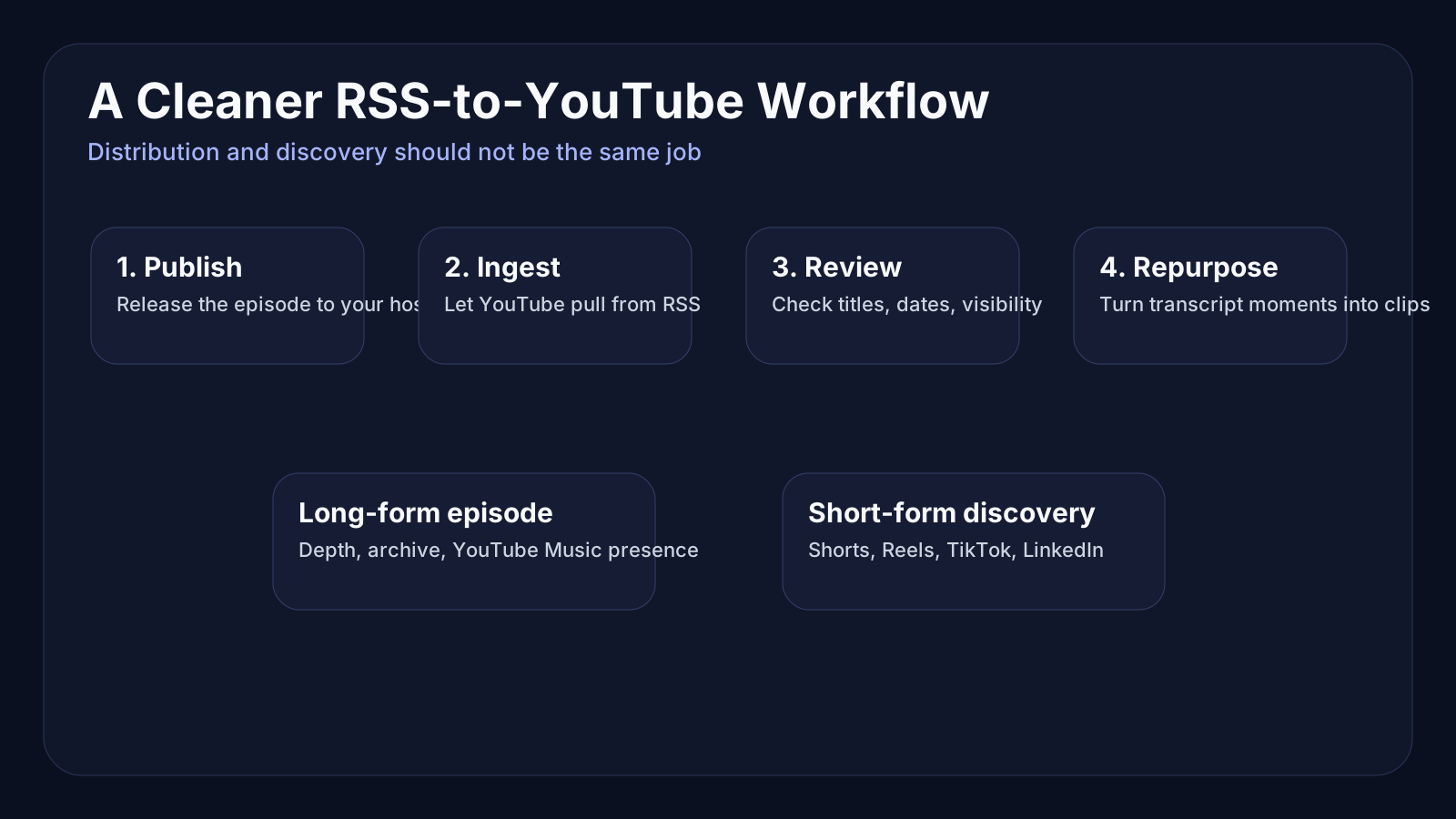
- publish the full episode to your host as usual
- let RSS deliver the audio-first episode to YouTube
- review metadata, visibility, and sequencing
- use transcripts to identify clip-worthy moments
- create separate short-form assets for YouTube Shorts, Reels, TikTok, and LinkedIn
- link the short-form assets back into the larger show ecosystem
That is exactly where Loonacast fits well. It is useful for importing long-form episodes, working from the transcript, finding strong moments quickly, and turning them into clean short-form clips without pretending the product is your social scheduler.
RSS handles distribution of the long-form episode. A repurposing workflow handles discovery.
If you want to systematize the rest of that stack, read how to repurpose podcast content into a week of clips, posts, and follow-ups.
Common RSS-to-YouTube mistakes
Mistake 1: Mixing clips into the podcast playlist
YouTube specifically recommends keeping the podcast itself focused on full-length episodes. Clips can help growth, but they should not clutter the core listening path.
Mistake 2: Treating old imports like a launch event
Back-catalog ingestion is useful for completeness, but it is not the same as a fresh release strategy.
Mistake 3: Ignoring thumbnail and art quality
For RSS-ingested episodes, YouTube creates static-image videos using your podcast’s show art. If the art is weak, generic, or unreadable, every imported episode inherits that weakness.
Mistake 4: Assuming feed edits will sync automatically
YouTube is very clear that changing show details in your RSS feed does not automatically update the podcast details on YouTube.
Mistake 5: Forgetting that re-uploaded audio does not replace the old version automatically
If you fix a bad export or swap an audio file in your host, YouTube does not magically overwrite the existing video. You need to re-upload from RSS inside Studio.
Final takeaway
If you are wondering how to upload a podcast to YouTube with RSS, the short answer is: connect the feed in YouTube Studio, verify ownership, choose the right episodes, and keep your metadata disciplined.
The more useful answer is this:
RSS delivery is a distribution convenience, not a growth strategy.
It helps you get your show onto YouTube and YouTube Music without a lot of repetitive manual work. But discovery still depends on clear titles, strong descriptions, clean ordering, recognizable artwork, and a separate clip strategy that brings new people into the top of the funnel.
If you can combine those pieces, RSS-to-YouTube becomes genuinely powerful. If you skip them, it just becomes a tidy way to automate mediocre packaging.
Sources
- YouTube Help: Deliver podcasts using an RSS feed
- YouTube Help: Create a podcast in YouTube Studio
- YouTube Help: Podcast discovery tips
- YouTube Help: Search & discovery tips
- Spotify for Creators: Resources for growth, optimization, transcripts, and video podcast workflows
Want more reach from your podcast, without the extra work?
Loonacast is the done-for-you agency for podcasters. You record the episode; we turn it into social clips, publish them, and grow your reach.