
How to Repurpose Podcast Content Into a Week of Clips, Posts, and Follow-Ups
A practical workflow for turning one podcast episode into a week of clips, posts, and follow-ups without creating a messy, unsustainable content process.
If you are trying to figure out how to repurpose podcast content without turning every episode into a chaotic to-do list, the answer is not “be on every platform.” The answer is to build one repeatable system that starts with strong moments and turns them into a small stack of native assets.
Most podcasters do the opposite. They publish the full episode, panic-post one clip, maybe write a vague LinkedIn caption, and then move on. That is not a repurposing workflow. That is leftovers.
A better approach is simpler: pull a few high-signal moments from the episode, match each one to a format, and publish them over a week instead of all at once.
Why most podcast repurposing advice breaks down
A lot of repurposing advice sounds productive but collapses in practice. It usually tells you to turn one podcast episode into “20 pieces of content,” without saying which pieces are actually worth making.
That framing creates three problems:
- it treats every format as equally valuable
- it ignores how different platforms reward different packaging
- it creates too much manual work to repeat next week
That last point matters. According to Wyzowl’s 2026 video marketing statistics, 91% of businesses use video as a marketing tool and 82% say video delivers good ROI. Video is not the risky part anymore. The risky part is building a workflow that is too slow to sustain.
So instead of asking, “How many assets can I squeeze out of this episode?” ask a better question:
Which few assets give this episode the best chance to travel?
Start with moments, not formats
The strongest repurposing systems do not begin with, “We need a Reel, a Short, a carousel, and a newsletter.” They begin with moments that already have tension, clarity, or surprise.
That might be:
- a contrarian take
- a sharp story from the guest
- a practical framework
- a clean quote that stands on its own
- a moment where tone and facial expression make the idea stronger
This is why clip-first workflows outperform generic promotion. You are not inventing content after the episode. You are extracting what was already compelling.
If you are building a clip library, it helps to think in layers:
- Anchor clip: the strongest short-form video moment
- Support clip: a second angle from the same episode
- Quote post: a one-idea text post or graphic
- Follow-up asset: a newsletter intro, blog paragraph, or comment-led post
That structure gives you range without forcing you to manufacture five weak assets where two strong ones would do more work.
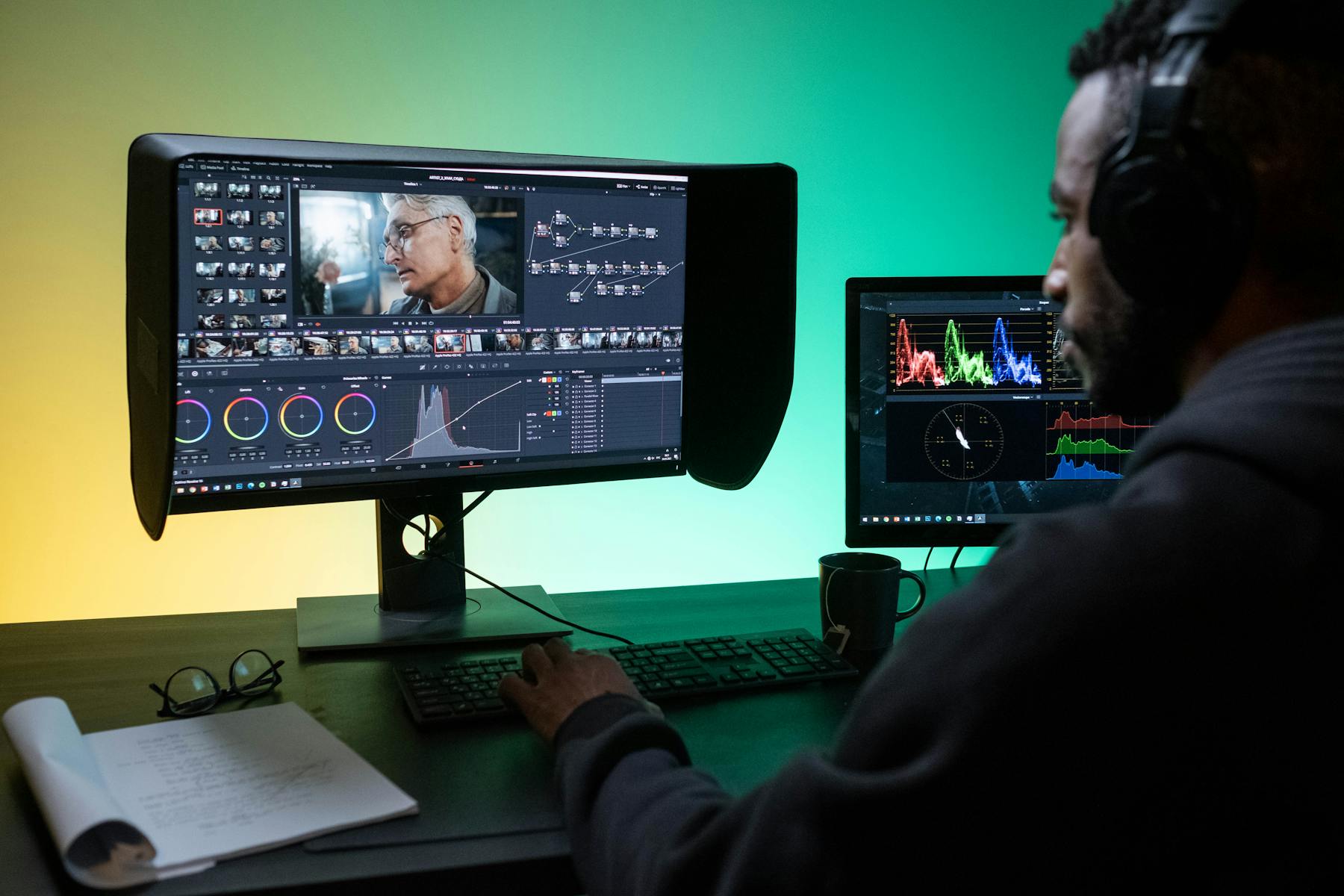
A practical 7-day podcast repurposing workflow
Here is a workflow that works well for founders, B2B teams, agencies, and creators who want more reach from one episode without rebuilding their entire marketing process.
Day 1: Publish the full episode and save the best 2-3 moments
As soon as the episode is ready, identify the moments that deserve distribution. Do not clip everything. Pick the sections that actually earn attention.
Day 2: Turn the best moment into a native short-form video
This is the asset with the biggest discovery potential. Keep it tight, lead with the strongest line early, and make sure captions are easy to follow.
If YouTube is part of the mix, remember that YouTube now supports Shorts up to three minutes, which gives podcasters more room for fuller answers and mini-stories when the moment earns it. For a channel-specific breakdown, Loonacast already has a guide on podcast clips for YouTube Shorts.
Day 3: Recut a second clip for a different audience angle
Do not just duplicate yesterday’s post word for word. Reframe it. The second clip can target:
- a different takeaway
- a different hook
- a different audience segment
- a calmer or more tactical excerpt from the same conversation
Day 4: Pull one quote into a text-led post
Some ideas do better as writing than as video. A sharp paragraph on LinkedIn, X, or in your newsletter can carry an episode further than another clipped video if the idea is especially clear in text.
If you are posting on LinkedIn, it helps to package the insight like a complete thought rather than a teaser. This is where your video and text workflows should complement each other, not compete with each other. If you want help with the actual post format, see how to post a video on LinkedIn so people actually watch it.
Day 5: Turn the episode into a blog-supporting asset
A transcript, summary, or structured outline can become the seed for search content. Not every episode deserves a full article, but many deserve a useful paragraph, Q&A section, or insight-led post that captures search traffic later.
Day 6-7: Repost with a new frame, not a duplicate caption
One of the easiest wins in podcast marketing is to repackage the same episode around a different hook. The same guest answer can become:
- a growth lesson
- a founder lesson
- a hiring lesson
- a sales lesson
- a content strategy lesson
That is not recycling lazily. That is editorial packaging.
Match the asset to the platform instead of forcing the same post everywhere
Repurposing gets more effective when you stop thinking in terms of “cross-post everything” and start thinking in terms of platform fit.
TikTok and Shorts reward immediate movement, clarity, and native-feeling vertical video. TikTok’s Creator Academy leans heavily into making content that feels platform-native, not like an ad dropped in from somewhere else.
That means:
- your best story-driven or opinion-led moment should usually become a vertical clip first
- your most tactical or nuanced point may work better as a LinkedIn post plus a supporting clip
- your most searchable explanation may deserve transcript-led expansion into a blog asset
This is also why the old audiogram-everywhere workflow has become less convincing for many shows. If you are deciding between formats, our piece on podcast clips vs audiograms is the better deep dive.
Make the workflow fast enough to repeat next week
The best repurposing workflow is not the most ambitious one. It is the one your team can actually repeat after episode 37.
A good operating rule is:
- keep a shortlist of moments while reviewing the episode
- standardize your clip templates
- reuse brand elements instead of redesigning every post
- save captions, layouts, and logo placement as defaults
- only create extra assets when the episode genuinely deserves them
That is where tools matter. An AI podcast clip maker is useful when it reduces editing drag, not when it encourages you to flood every channel with mediocre variations. If you are comparing options in the market, start with this guide to the best podcast clip generator tools.
Where Loonacast fits in this workflow
Loonacast is strongest when you already know the goal: turn one episode into social-ready clips without doing all the clipping by hand.
You can import an episode from file upload, YouTube, RSS, or Riverside, generate a transcript with speaker detection, let AI pull out 5-10 promising story moments, and then refine the best ones in the editor with captions, layouts, B-roll, logo overlays, and saved templates.
That matters because repurposing falls apart when the editing step is too heavy. A faster clip workflow makes it more realistic to keep the good moments moving instead of leaving them buried in the full episode.

Final takeaway
If you want to repurpose podcast content well, stop trying to turn every episode into infinite assets.
Instead:
- find the 2-3 moments that actually deserve distribution
- build one short-form anchor clip
- create one or two support assets around it
- spread the episode across a week
- adapt the packaging to the platform
- keep the workflow simple enough to repeat
That is how one podcast episode starts acting like a content system instead of a one-day launch.
And that is usually the difference between “we posted about the episode” and “the episode kept working after it went live.”
Want more reach from your podcast, without the extra work?
Loonacast is the done-for-you agency for podcasters. You record the episode; we turn it into social clips, publish them, and grow your reach.